







Hexa Block: Honey Cells
Master the hex-grid and solve every honey cell.
Puzzle
Hexa Block: Honey Cells
Master the hex-grid and solve every honey cell.
Puzzle
Cube to Hole Puzzle
Plan your path and match cubes to holes!
Puzzle
DiviDrop
Drop numbers, master division, survive the grid
Puzzle
Italian Brainrot Drag Merge Puzzle
Drag, merge, and fix the brainrot.
Puzzle

Mr Cappuccino Assassino
Master the bounce, clear the field.
Puzzle

Block Puzzle: Slide Block Jam
Slide, match, and clear the grid under pressure!
Puzzle
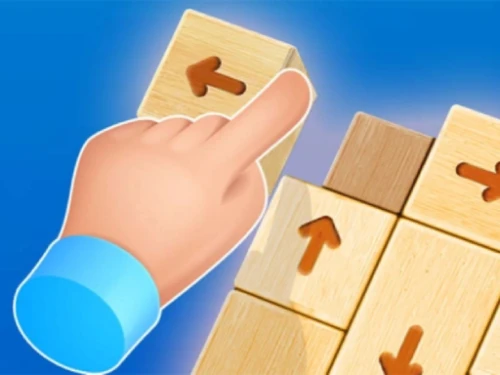
Tap It Away 3D
Rotate, strategize, and clear the 3D block maze.
Puzzle
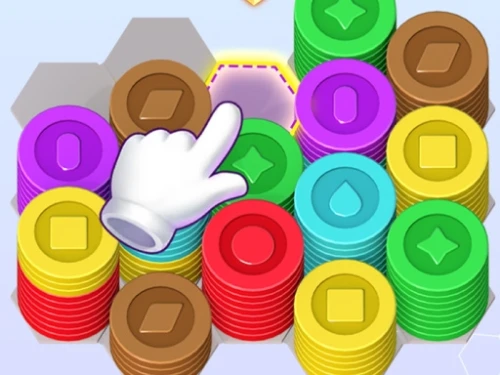
Coin Color Sort
Sort the coins and achieve color harmony.
Puzzle

Magic Bottles
A masterclass in liquid logic and color harmony.
Puzzle

Claw & Merge Labubu Drop
Precision drop meets physics evolution. Create the giant Labubu!
Puzzle

Cut The Rope Unblocked
Slice ropes, sort balls, master gravity
Puzzle
Connect Clues - The Missing Professor
Connect the evidence to find the vanished professor.
Puzzle
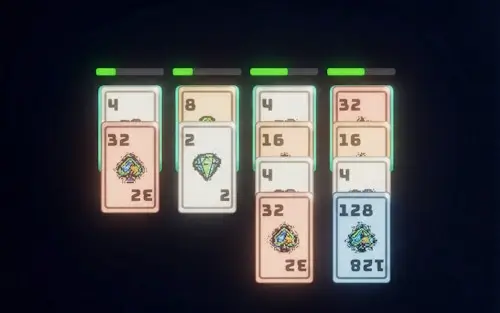
Merge Royal: 2048 Card Puzzle Adventure
Master the art of card stacking in this thrilling 2048-style strategy game!
Puzzle
Jigsaw Cards: Daily Puzzles
Relax your mind with beautiful daily jigsaw challenges.
Puzzle
Hazel Tangle Rope 3D: Sorting Puzzle
Solve twisted knots and untangle the chaos.
Puzzle


 0 playing

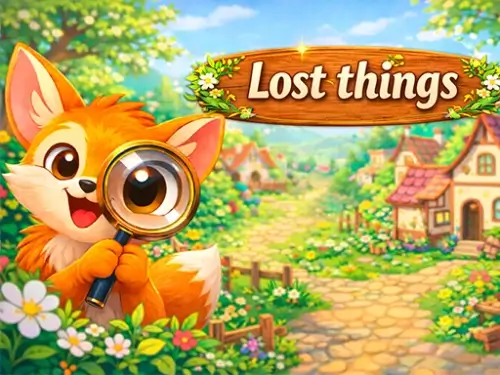
Lost Things - Hidden Objects0 playing
Step into the beautiful illustrated world of Lost Things - Hidden Objects, a cozy puzzle game tailored for players who love slow-paced, relaxing challenges. In this game, your keen eyesight and power of observation are the primary tools. Forget about stressful timers, intense action, or penalty limits. Instead, wander through expansive, colorful landscapes filled with hundreds of creatively concealed items waiting for you to spot them.
As you locate the specified items, new sectors of the interactive map gradually expand, revealing charming fantasy creatures, friendly villagers, and subtle stories embedded in the environment. From animated leaves rustling in the wind to tiny wizards peeking from behind giant bookshelves, every scene is a living storybook page that breathes life as you inspect its details.
The controls are intuitive and accessible. At the bottom of your screen, a tray displays the items currently required to progress. Zoom deep into the canvas to inspect microscopic details, and drag the screen to scan across the massive environment. Once an item is spotted, click or tap it to add it to your collection. Gathering a threshold of objects expands the boundaries of your map, paving the way to uncover more of the fantasy landscape.
Make full use of the zoom controls. Many tiny secrets, such as small keys or camouflaged insects, are virtually imperceptible when viewed from a distance. Try scanning the screen systematically in smaller quadrants, zooming in closely, and working your way from left to right to ensure no clever details escape your notice.
Not at all. This game is designed as a stress-free haven. There are no timers counting down, and incorrect clicks do not deduct score or trigger game-over screens. You are free to take as long as you need to find every single object.
Once you collect the required quantity of hidden items displayed on your target list, the fog clears, and the boundaries of your current map section automatically open to reveal a whole new area of exploration.
If you find yourself stuck, simply activate the hint button. The game will gently slide your camera viewpoint directly to the hidden item and highlight it with a soft glowing effect, giving you a friendly nudge without any stress.













One-click Login, Play Instantly