









Cube Drop Puzzle
Drop the cubes, match the colors, and let the bears splash!
Puzzle

Cube Drop Puzzle
Drop the cubes, match the colors, and let the bears splash!
Puzzle
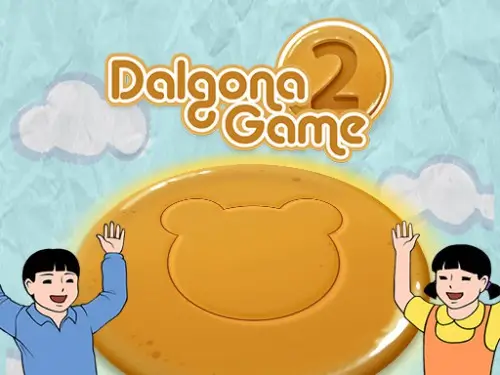
Dalgona Game 2
One crack and it's over. Master the art of honeycomb precision.
Puzzle
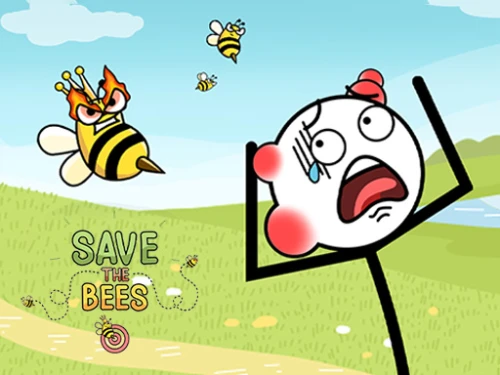
Save the Bees
Draw to shield, save the hive!
Puzzle
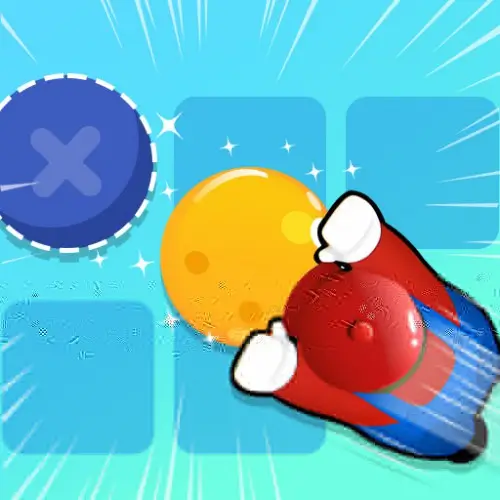
Sokoban Push The Box
Plan every move carefully to solve complex crate-pushing mazes.
Puzzle
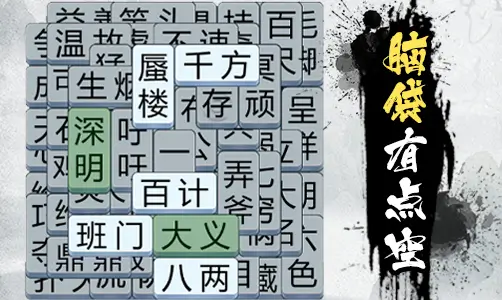
Idiom Scholar
Embark on a scholarly quest to master ancient Chinese idioms through clever crosswords.
Puzzle
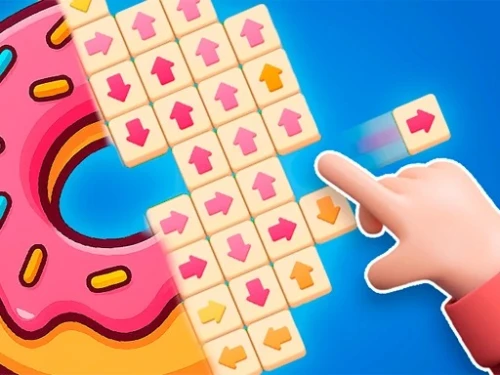
Disassemble the Picture
Tap away blocks to reveal hidden art.
Puzzle
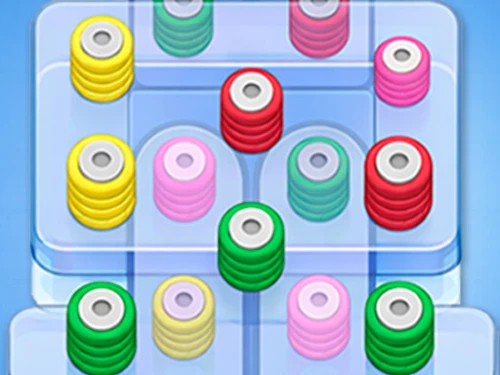
Thread Match 2
Master the logic of unweaving in this zen puzzle.
Puzzle
Sudoku Vault
Master logic with versatile grid challenges across all difficulties.
Puzzle
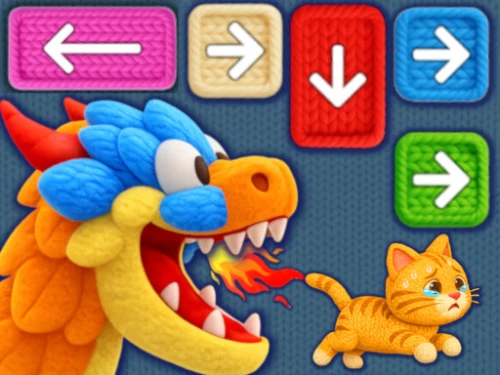
Knit Rescue
Untangle the yarn mystery to save the kitten.
Puzzle

Patterns
Weave natural elements to restore the beauty of magical order.
Puzzle
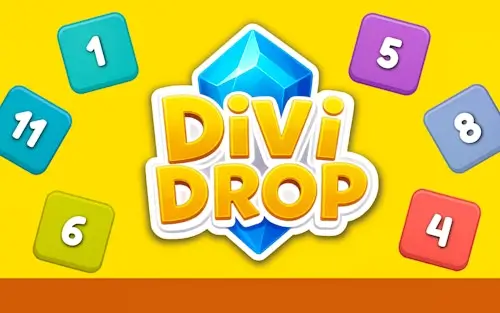
DiviDrop
Drop numbers, master division, survive the grid
Puzzle

Coffee Color Blocks
Master the art of aesthetic color sorting and pathfinding in this cozy coffee challenge!
Puzzle

OUTSIDE
Master the slide, find the path out.
Puzzle

HexaMatch
Master the hex-grid logic in this ultimate sliding puzzle.
Puzzle

Block Puzzle King
Master the grid with strategic placements and eye-friendly visuals.
Puzzle



 0 playing
Find Objects - Hidden Item0 playing
Find Objects - Hidden Item is a meticulously crafted visual challenge that demands sharp focus. Unlike generic search games, this title features expansive 2D landscapes packed with hundreds of unique assets. Each map functions as a living illustration where everyday items blend seamlessly into the complex background scenery.
This game offers a dual-mode experience, combining Hidden Object hunting with classic Spot the Difference tasks. Navigate through bustling urban centers, mysterious magic forests, and picturesque landscapes. It’s not just about speed; it’s about training your brain to filter out noise and identify specific shapes and patterns in highly detailed environments.
In the search mode, identify items shown in the bottom tray and click them within the main scene. In the difference mode, you are presented with two nearly identical images. You must cross-reference them to mark changes in color, object orientation, or presence. A progress tracker monitors your discoveries, and finding all items unlocks the subsequent stage.
Start your search from the outer edges and work your way inward. Objects are frequently placed near transitions in color or texture to camouflage them. If you are stuck, change your zoom level; seeing an object at a different scale often triggers recognition.
A: Yes, players can use clue pointers to highlight the general area of an elusive item.
A: Absolutely. The touch-responsive UI is optimized for mobile browser play with pinch-to-zoom support.
A: Stages typically contain 5 to 10 visual discrepancies, requiring careful comparison of both pictures.











One-click Login, Play Instantly